GitHub Social Preview
Set the image in the repository Settings. When you share the link on a site that supports link previews, the cover can appear with it.
What is Social Preview, and how do I set it? RepoCover
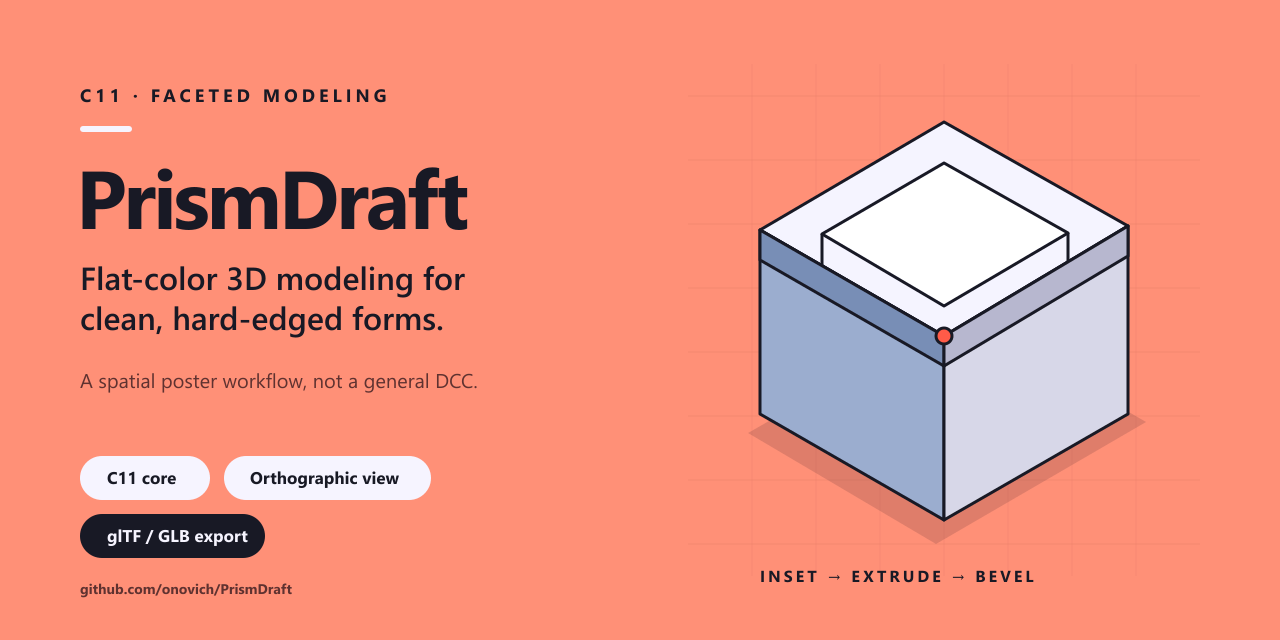
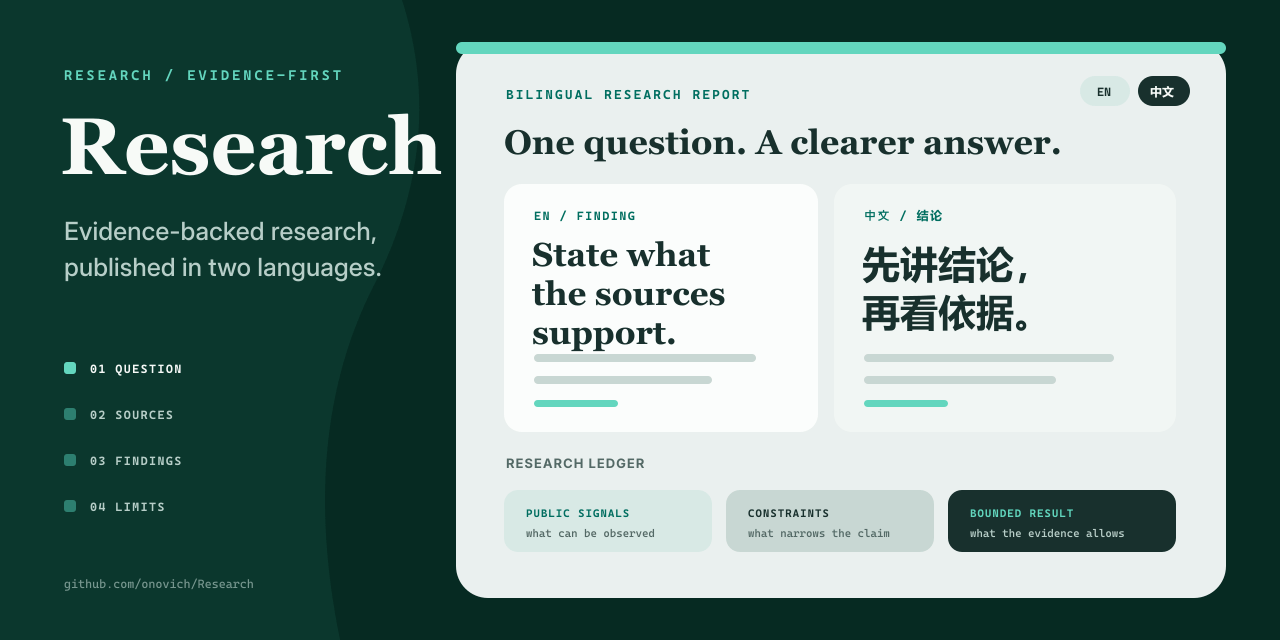
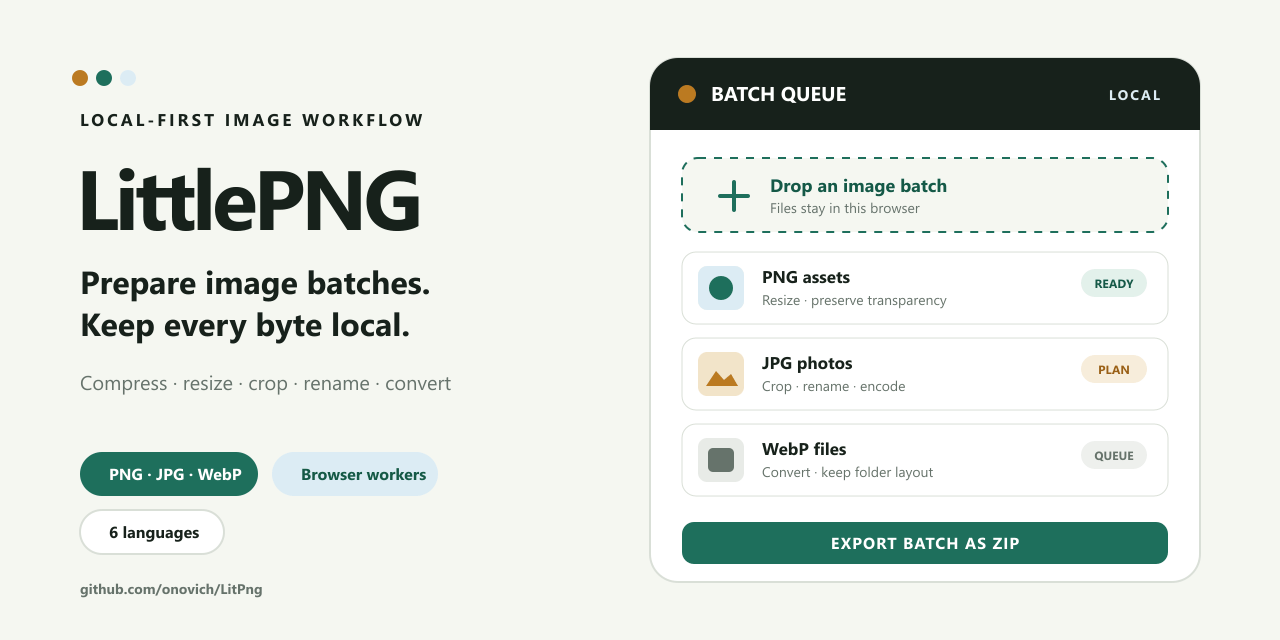
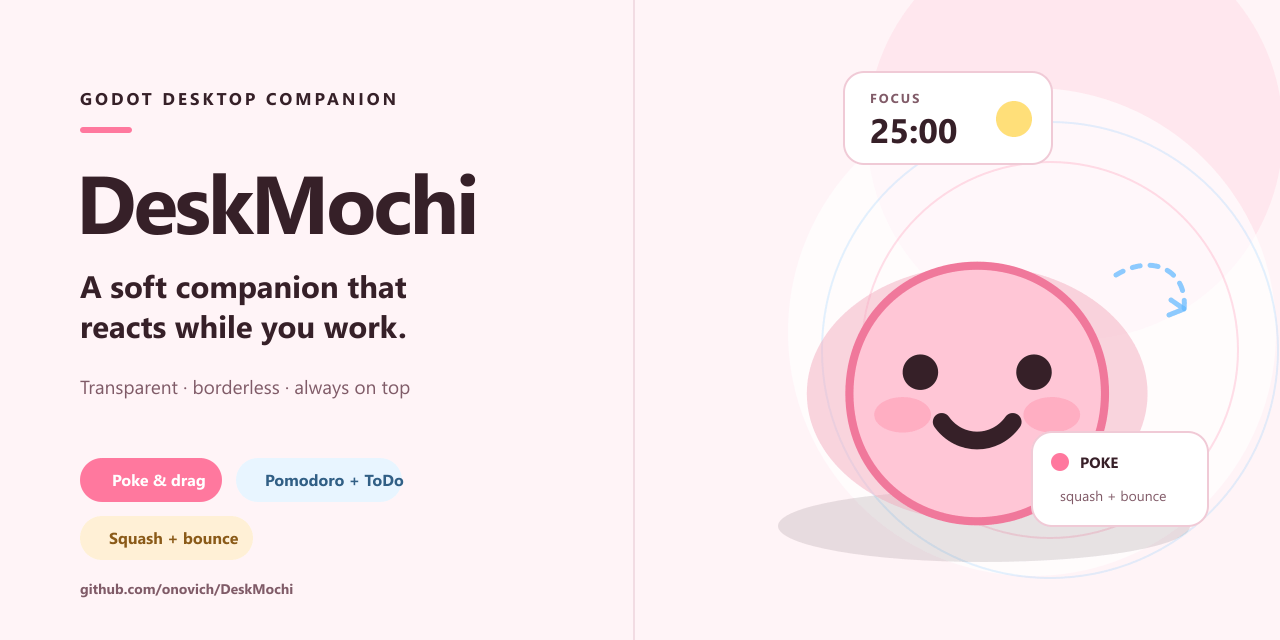
RepoCover reads the project first, then creates an editable 1280×640 cover instead of applying a template.
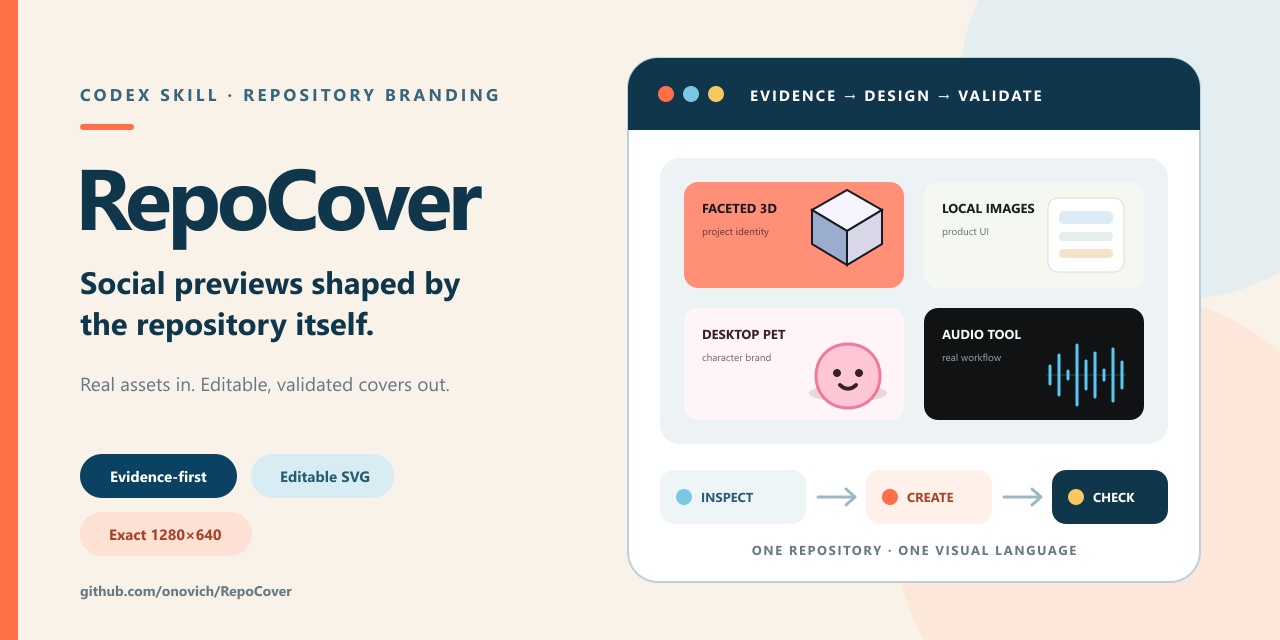
One cover can introduce the project on GitHub, in its README, and wherever you share it.
Set the image in the repository Settings. When you share the link on a site that supports link previews, the cover can appear with it.
What is Social Preview, and how do I set it?Place the cover near the top of the README so visitors can understand the project before reading the details.
Use it when announcing a project, sharing a release, posting on social media, or presenting your work in a portfolio.
Even a good repository is easy to overlook if people cannot understand it at a glance.
Many programmers are better at building than packaging their work. I am one of them.
As AI makes it easier to build more, a clear first impression may be what makes someone stop and look.
That is how RepoCover came to be. I made it in a day. It looked pretty good, so I started using it myself.
RepoCover decides whether the interface, main visual, or existing images are suitable for a cover, then chooses what to preserve, recompose, or redesign.
Keep the recognizable interaction, crop around what matters, and remove browser chrome, debug clutter, or broken fragments.
Keep its character, dimensionality, and color language, then rebuild the surrounding layout for a clearer cover.
Build the visual direction from what the project does and how it works, without inventing features.
Review the README, key code, project rules, screenshots, and visuals already in the repository.
Decide whether there is enough to make an honest cover, what to use, what is missing, and what should stay out.
Keep the project's recognizable parts, remove clutter, and arrange the cover around one clear idea.
The final SVG and PNG are reviewed at full size and as 320×160 thumbnails on both light and dark backgrounds.
Open your AI agent—Codex is recommended—and send it these two messages in order.
RepoCover writes an editable SVG and exact 1280×640 PNG by default. It does not edit your README, upload the image, or change repository settings unless you ask separately.
Yes. RepoCover can derive a visual direction from what the repository contains, but it will not invent an interface or claim features it could not verify.
Yes. An accessible local preview or working frontend usually produces the strongest result because the real interface can be inspected and selectively recomposed.
No. Every cover follows the same GitHub-ready output rules, but its subject, colors, dimensionality, and layout come from the current project.
Only when separately requested. Creating the files and changing repository settings are two different authorization boundaries.